
Home, or the Campaigns page

Steps
1
Create email content
Select Create email content and choose an editor. 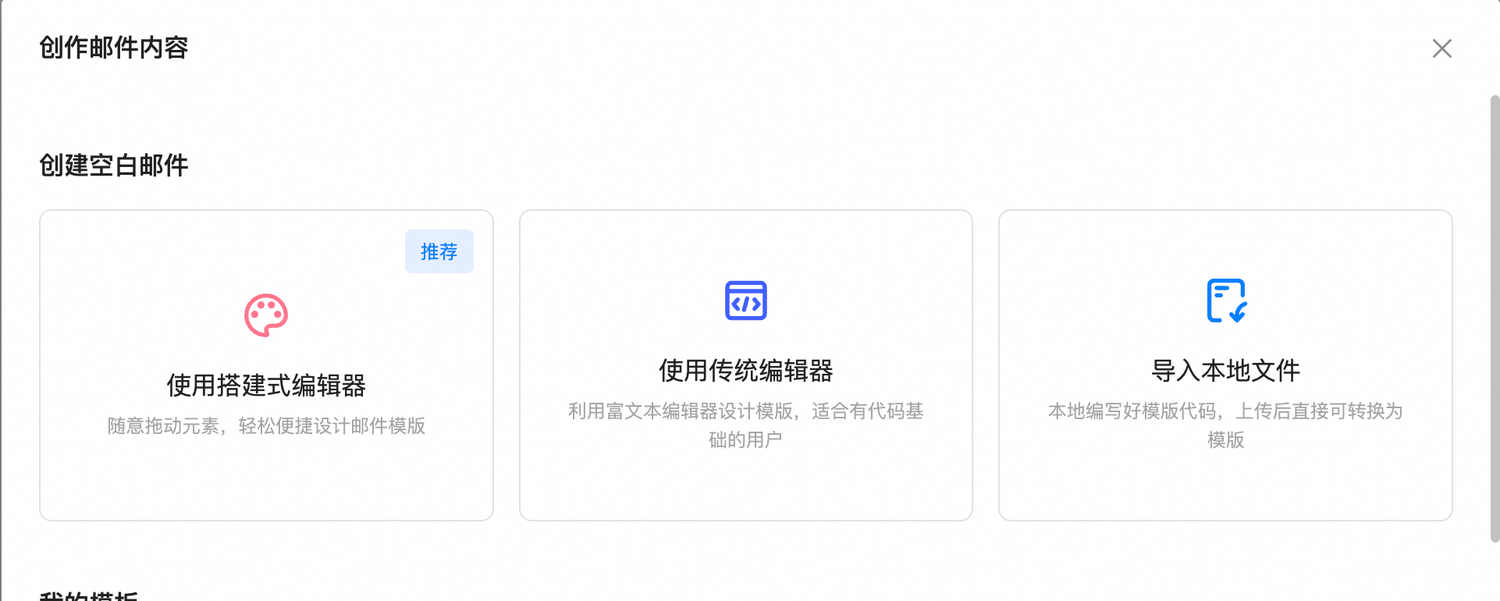
2
Configure the campaign
Set the subject, sender name, sender address, and reply-to address. Select contacts by tag or segment, optionally schedule the send, and enable invalid-contact filtering if needed.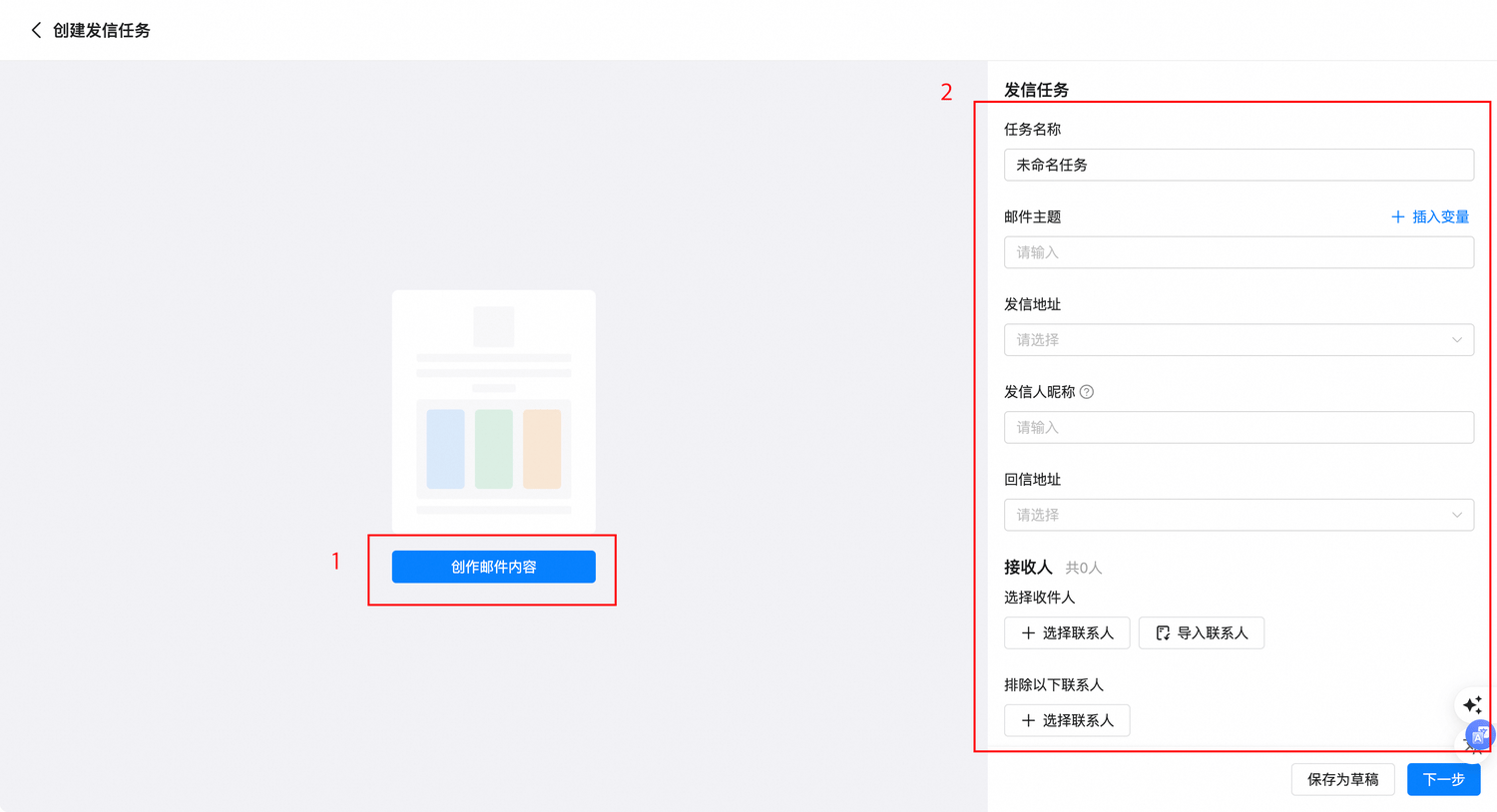
3
Preview and send
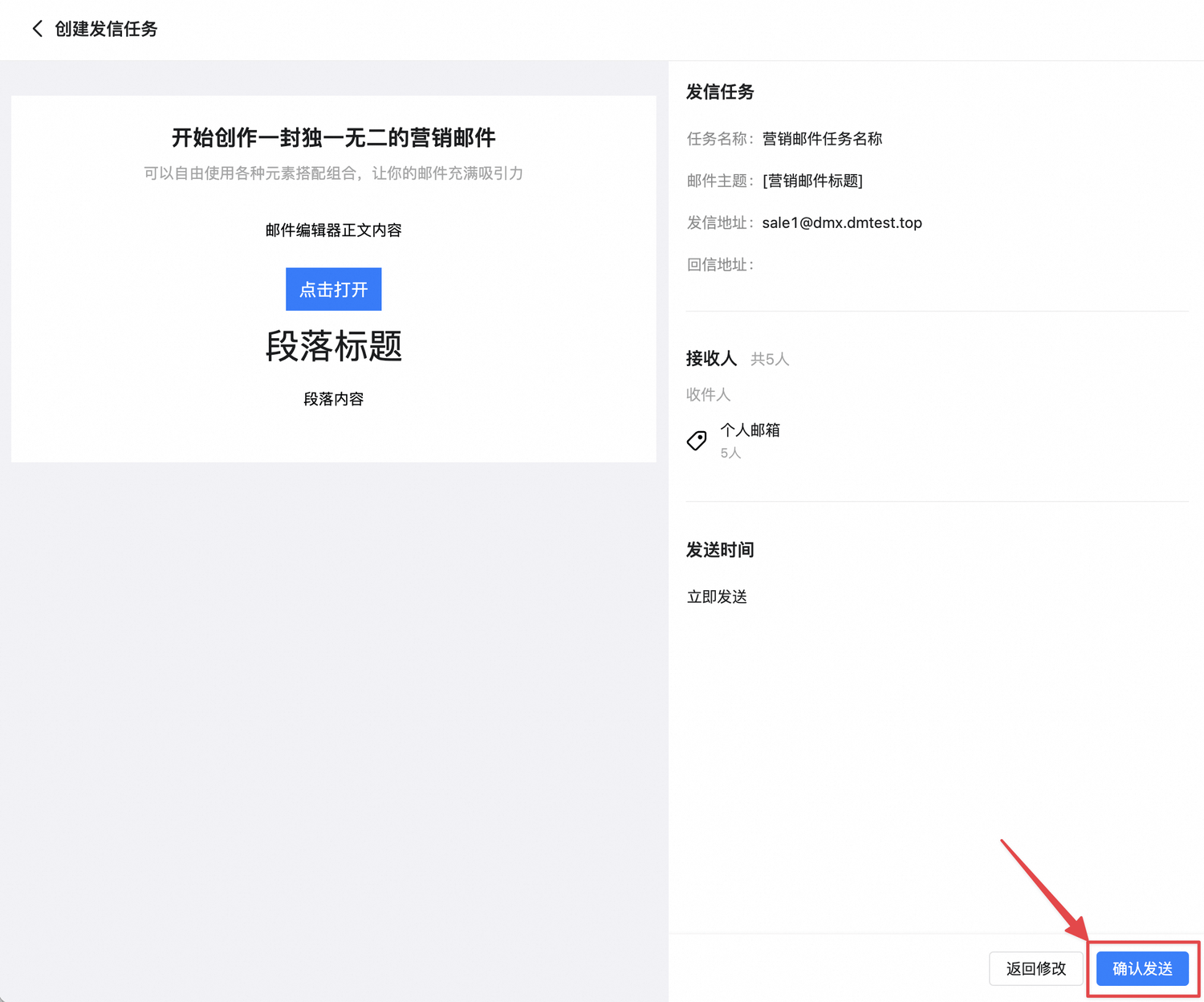
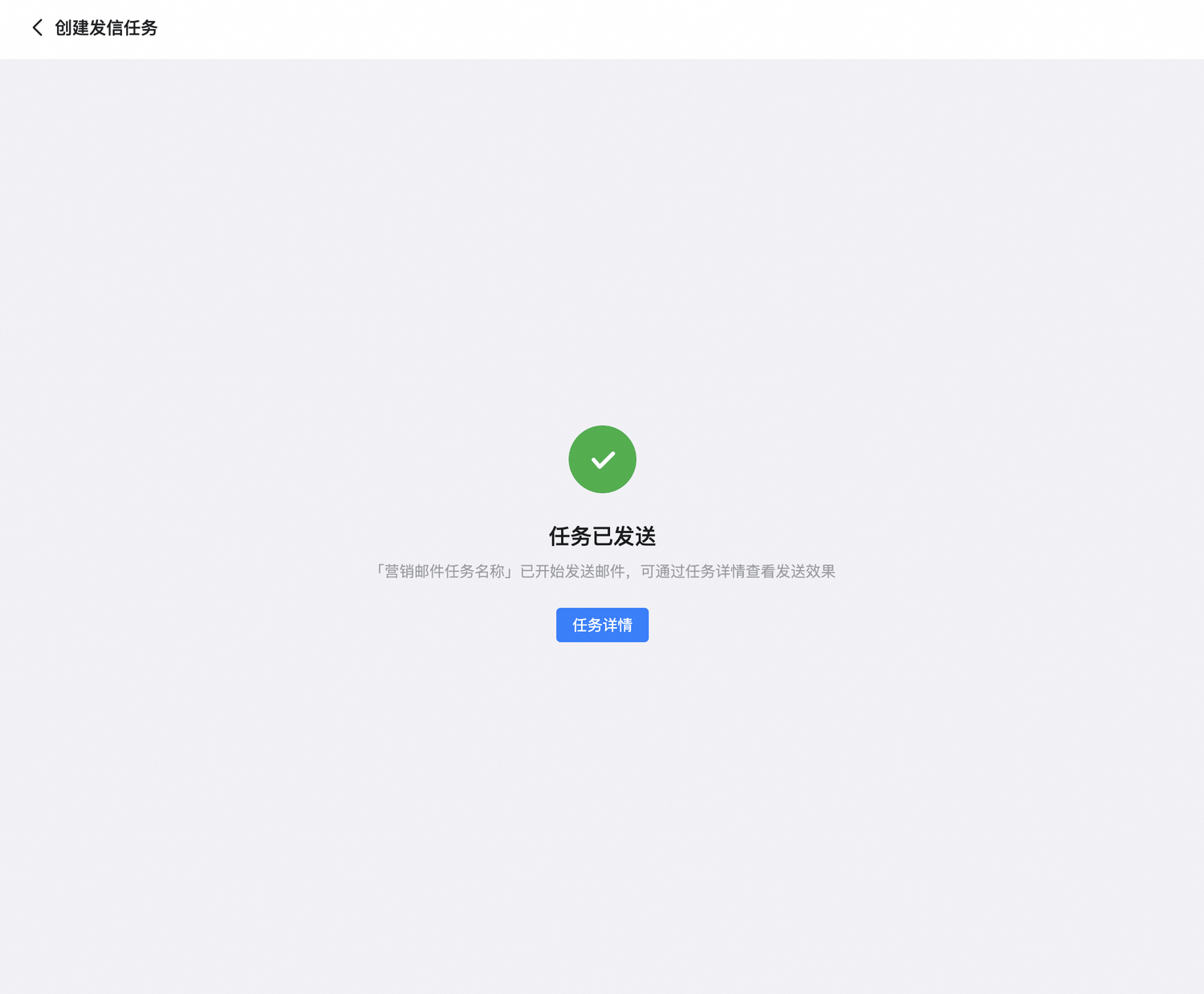
Select Next, review every setting, and then select Confirm send.