

1. Complete the technical setup
Configure SPF, DKIM, and DMARC
- SPF: Lists the servers allowed to send for your domain.
- DKIM: Adds a signature that proves the message was authorized and not modified in transit.
- DMARC: Tells Gmail how to handle messages that fail authentication and enables domain-abuse reporting.
During initial warm-up, consider a DMARC policy of
p=none so you can monitor results before enforcing rejection.Configure Google Postmaster Tools
Verify your sending domain in Google Postmaster Tools.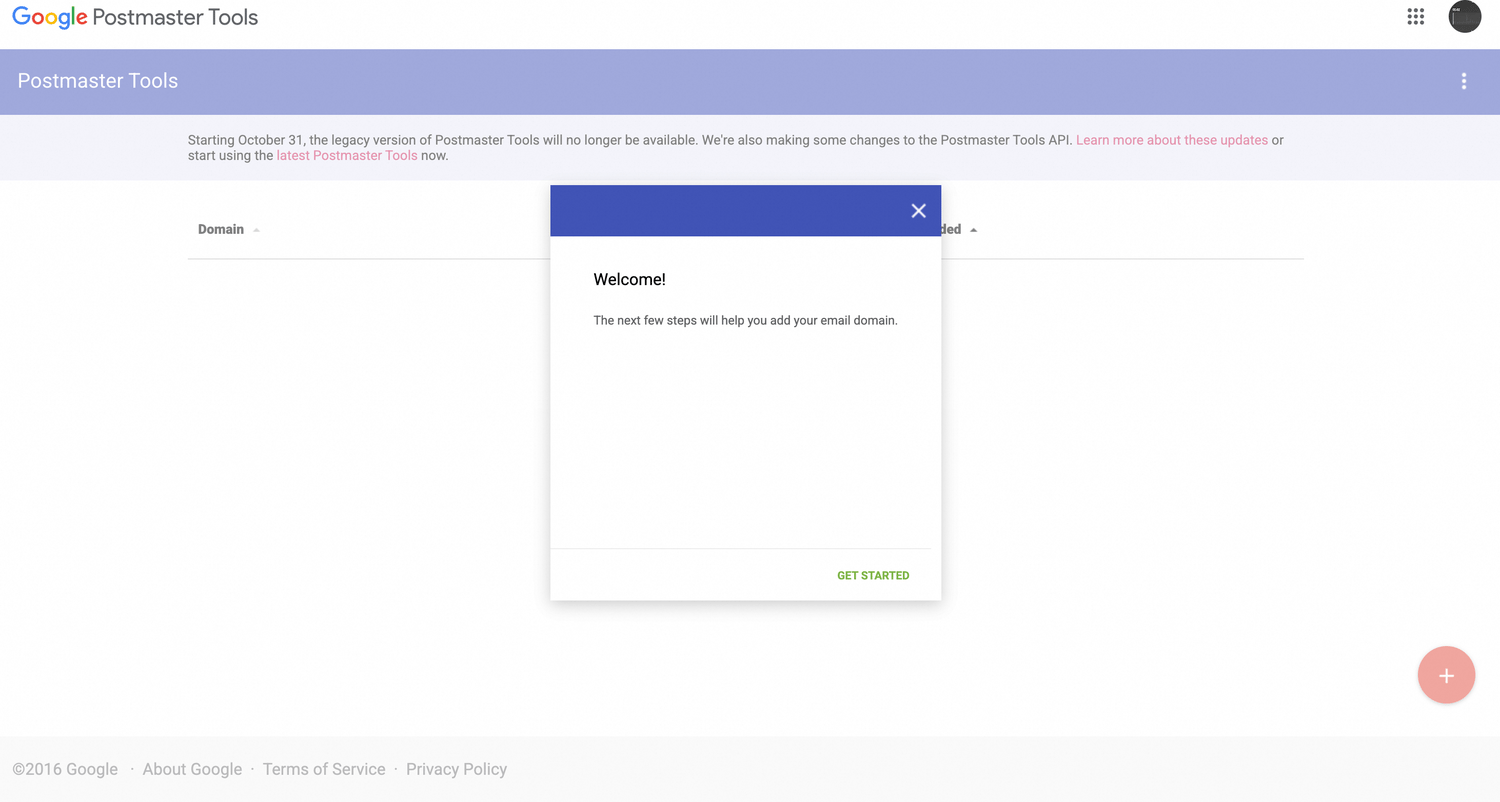
2. Warm up gradually
Start with a small, high-quality, engaged audience and increase volume steadily.- Prioritize users active within the last 30 days who explicitly agreed to receive email.
- Never warm up with purchased, stale, or unconfirmed lists.
- Positive opens, clicks, and “not spam” actions help build reputation.
Avoid sudden spikes such as moving from 100 messages per day to 100,000.
3. Monitor and optimize
- Keep spam complaints below 0.3%.
- Keep hard bounces below 0.5% and clean invalid addresses.
- Monitor opens and clicks as engagement signals.
- Include a clear unsubscribe link in every message.
- Send relevant content and avoid excessive capitalization, punctuation, or image-heavy layouts.
Pre-send checklist
- SPF, DKIM, and DMARC are configured correctly.
- The domain is verified in Google Postmaster Tools.
- The first audience contains recent, engaged Gmail users.
- Volume increases gradually and consistently.
- Complaint and bounce metrics are monitored.
- Every message provides value and an easy way to unsubscribe.