

Import contacts in bulk
Contacts → All contacts, or Campaigns → Add contacts
The import flow is: choose a file → map fields → add tags → complete the import.
1
Choose a file
Upload a contact list containing email addresses. Supported fields include email, last name, first name, company, and job title. You can use 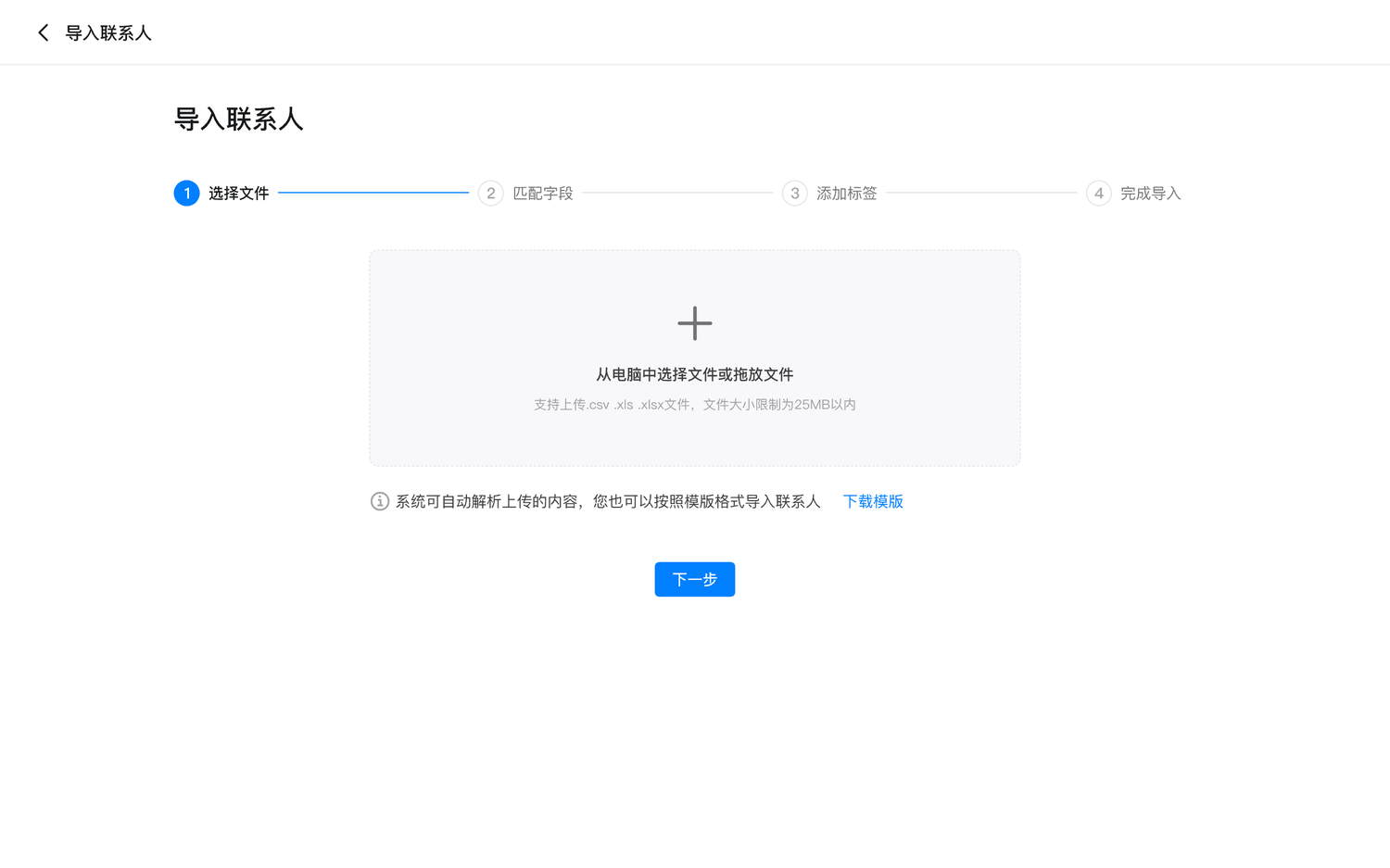
.csv, .xls, or .xlsx files.2
Map fields
Sendify maps recognized headers automatically. Manually map any remaining columns; unmapped columns are not imported. If an email already exists, values from the file overwrite the existing contact data.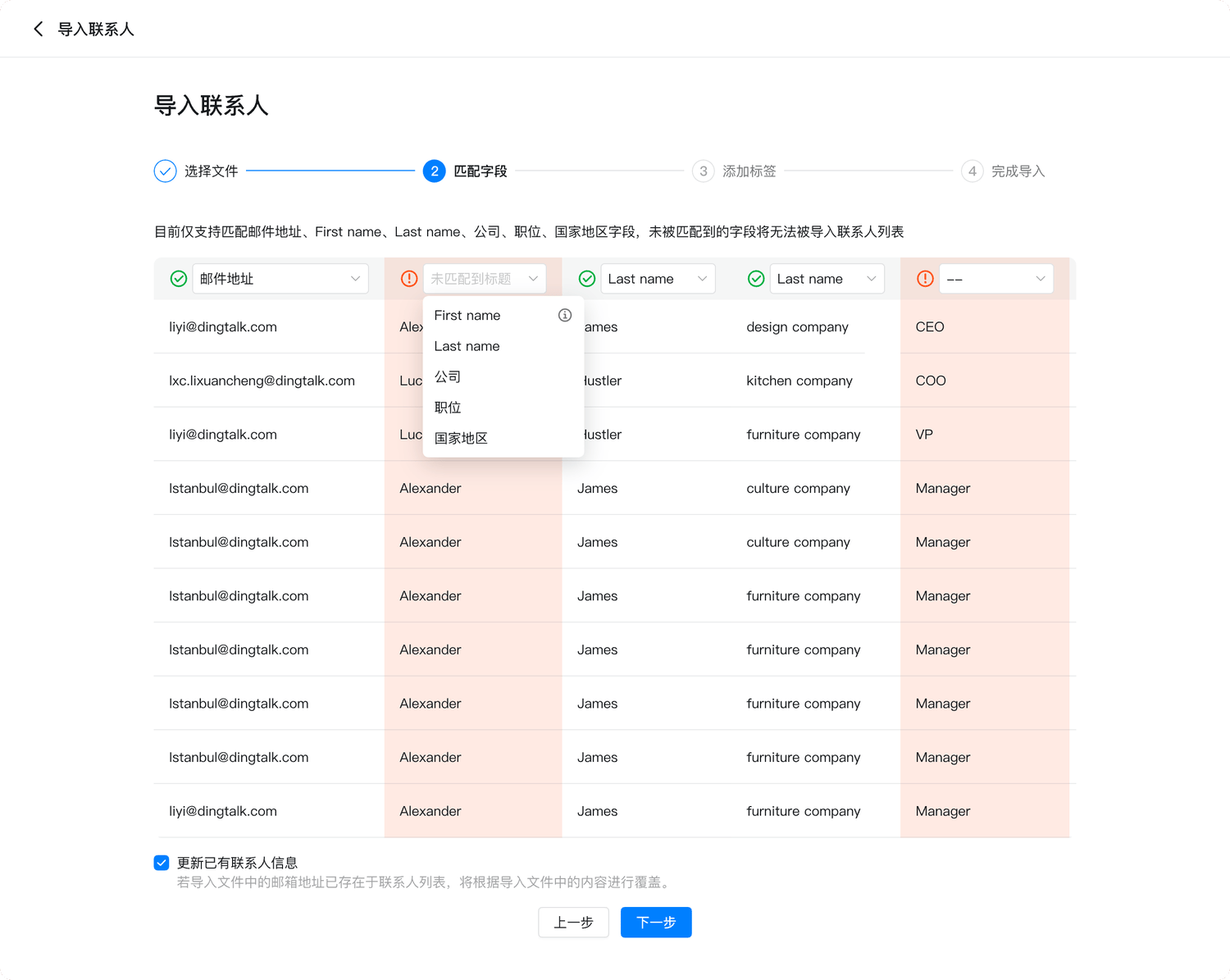
3
Add tags
Optionally add tags to organize imported contacts. 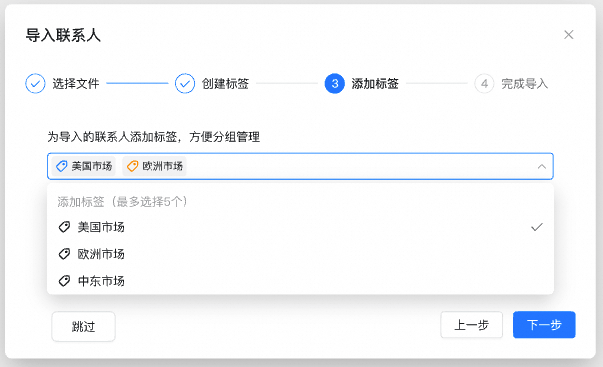
4
Complete the import
Review the import status when processing finishes. 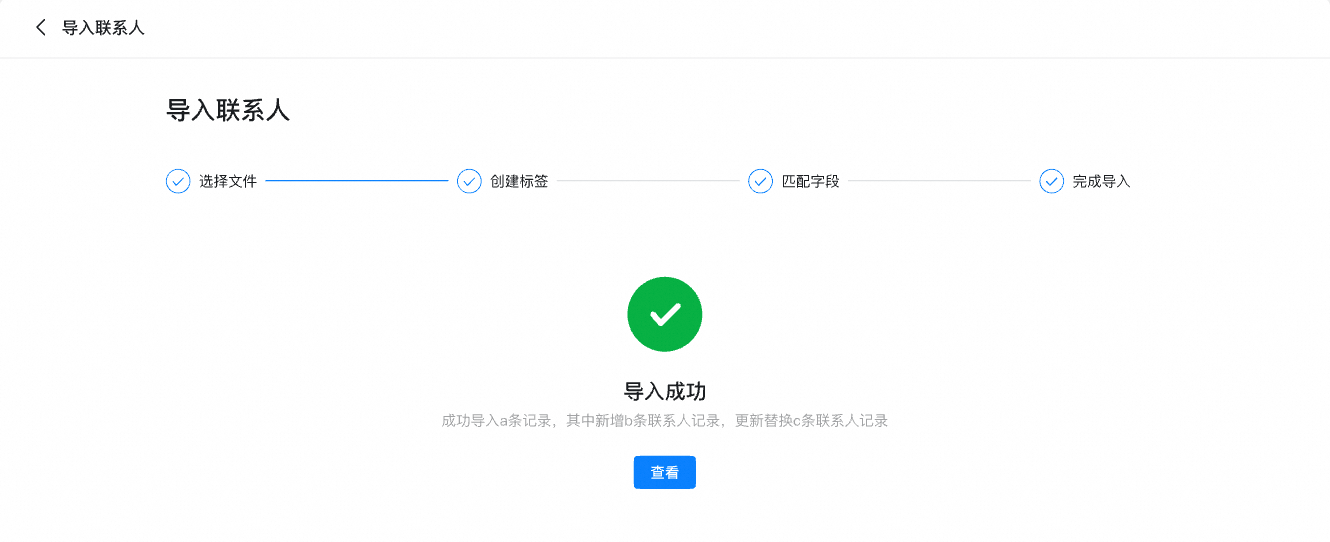
Add a contact manually
Contacts → All contacts
1
Start manual entry
Select 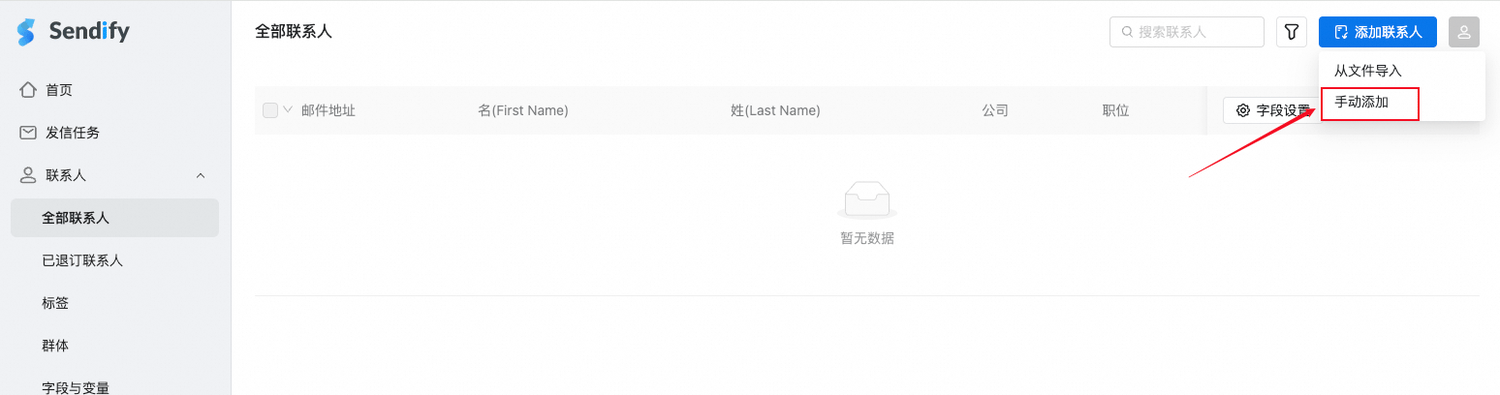
Add contact → Add manually.2
Enter contact details
Complete the form and confirm. 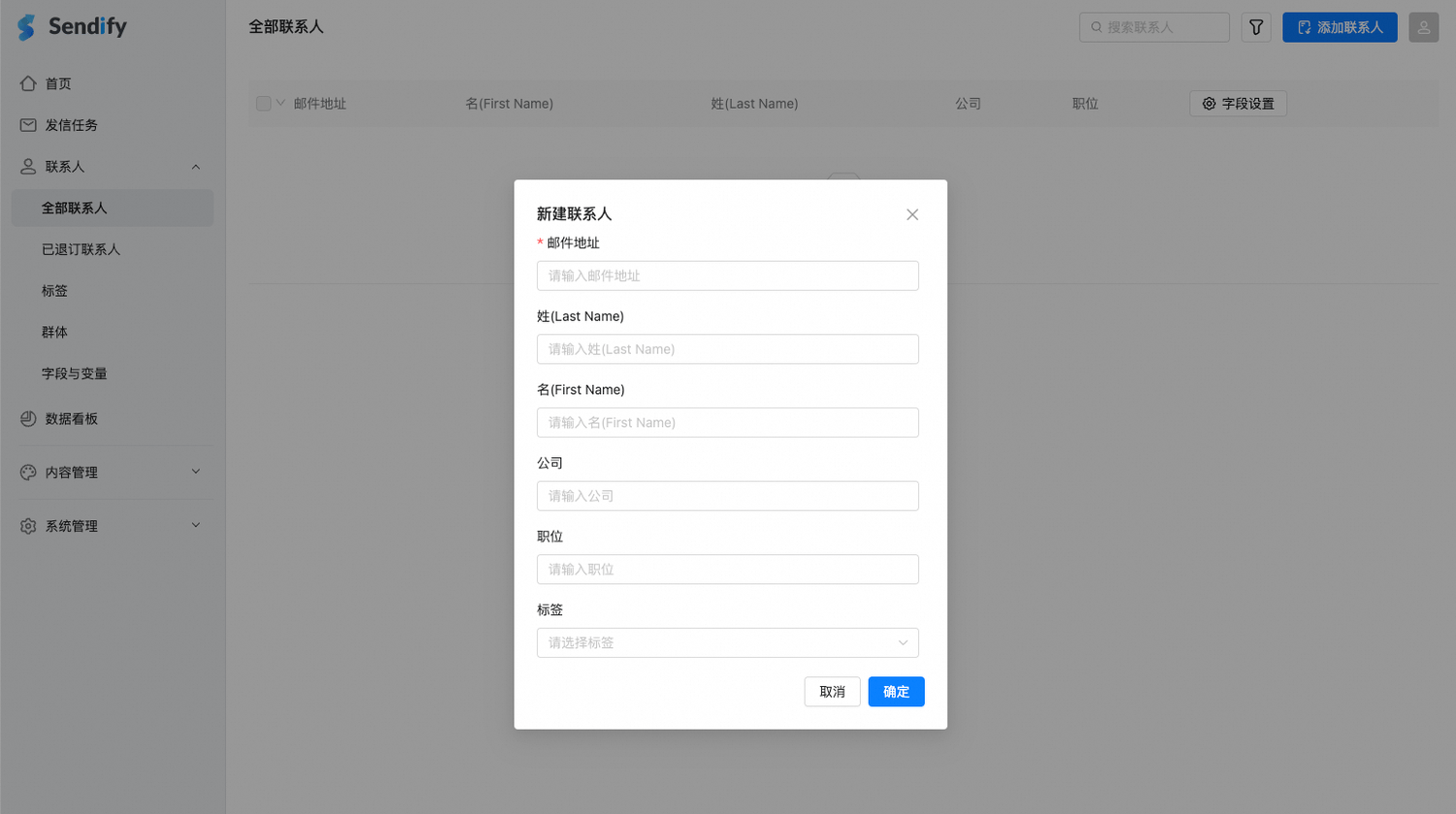
3
Review the contact
The new contact appears under All contacts. 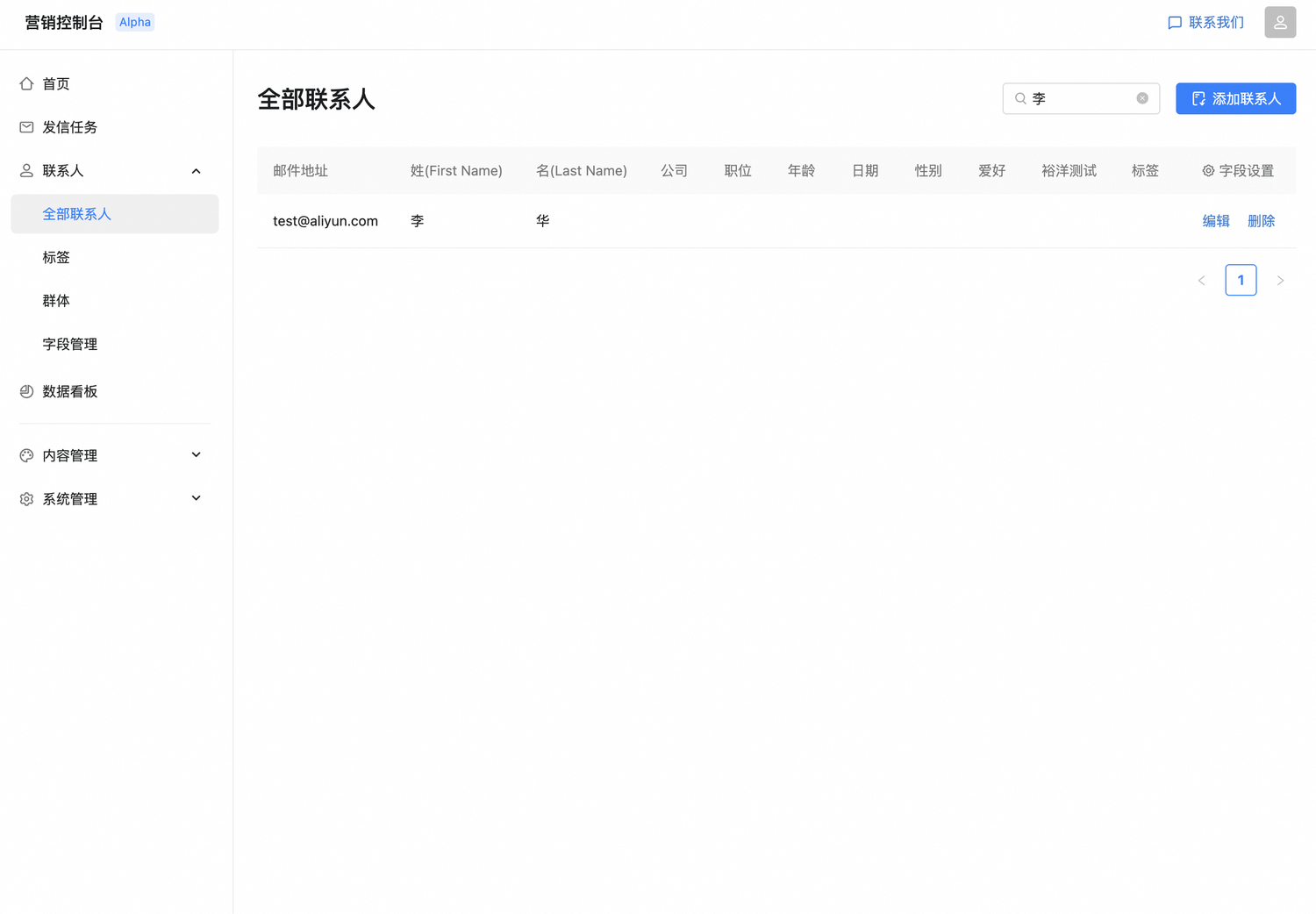
Edit or delete contacts
Update or remove contacts from the contact list.