> ## Documentation Index
> Fetch the complete documentation index at: https://docs.sendify.dingstore.cn/llms.txt
> Use this file to discover all available pages before exploring further.
# 标签管理
> 使用标签对联系人进行分类
## 什么是标签?
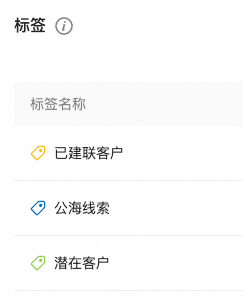
标签是用于对联系人进行分类的工具。通过为联系人添加标签,您可以更轻松地组织和查找联系人。标签类似于 CRM 或微信中的标记功能,可以根据已有信息对联系人进行分类。
 ## 在发信任务中使用标签
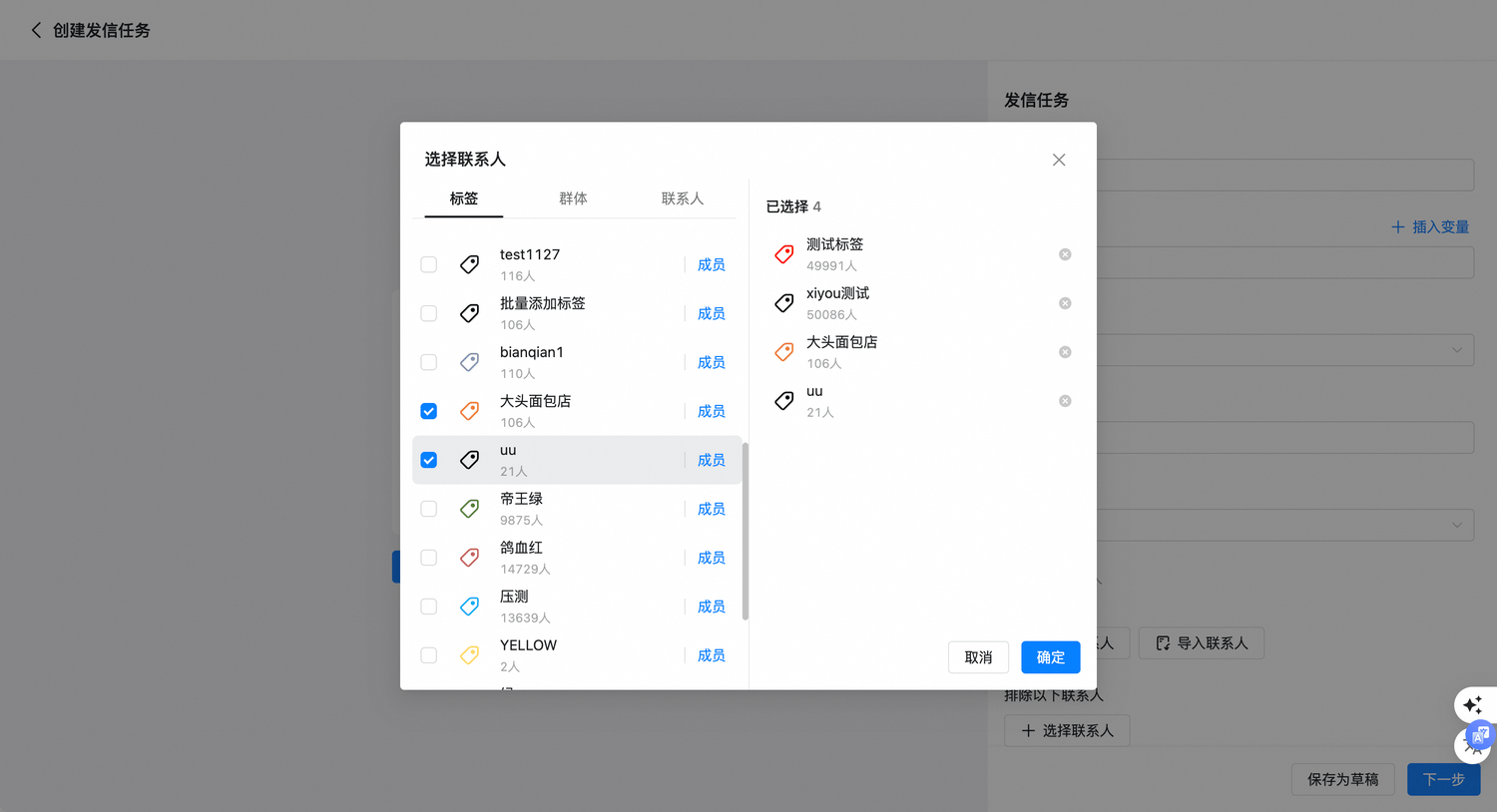
创建发信任务时,可以根据标签快速选择收件人。若不同标签包含同一个联系人,发送时不会重复计数。
## 在发信任务中使用标签
创建发信任务时,可以根据标签快速选择收件人。若不同标签包含同一个联系人,发送时不会重复计数。
 建议使用一致的命名规范(如「地域-北美」「行业-SaaS」),便于团队协作与后续筛选。
This documentation is built and hosted on [Mintlify](https://mintlify.com), a developer documentation platform.
建议使用一致的命名规范(如「地域-北美」「行业-SaaS」),便于团队协作与后续筛选。
This documentation is built and hosted on [Mintlify](https://mintlify.com), a developer documentation platform.